
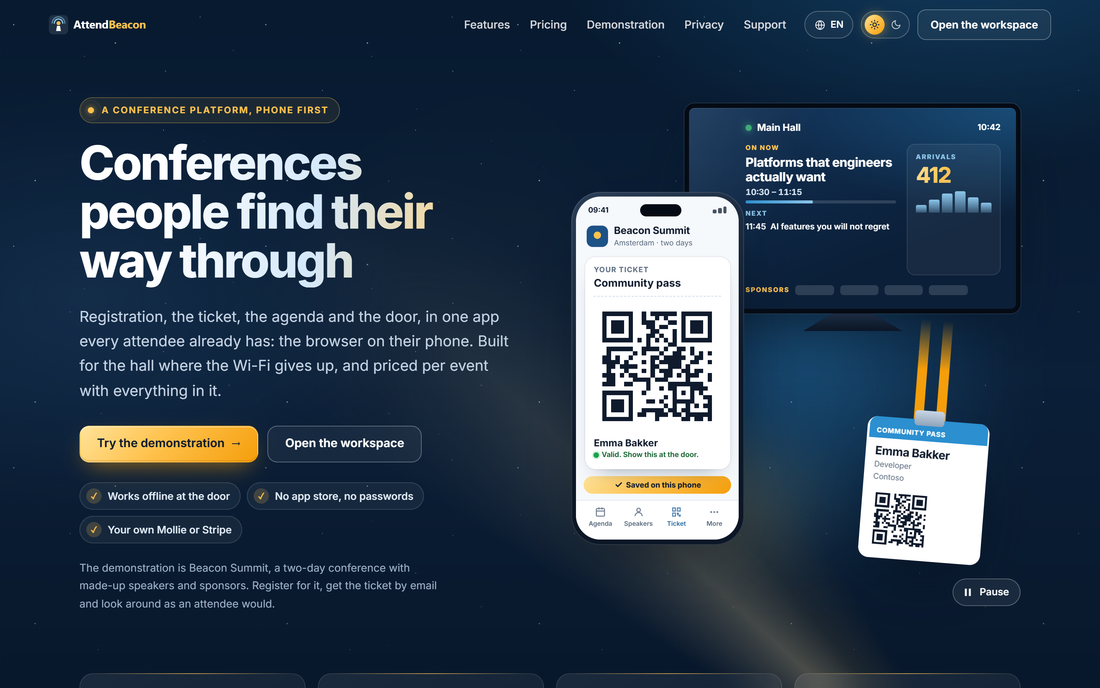
TL;DR: AttendBeacon is a complete platform for in-person, online and hybrid events. It covers tickets, payments, Apple and Google Wallet passes, door scanners, room screens, polls, surveys, call for speakers, crew rosters, sponsors, networking and reporting. Community events are free forever, whatever their size. Every other event is free up to 1,000 participants, with every module included.
Why I built this
For years I've organised and helped run community events: user groups, Power Platform days, meetups and conferences with hundreds of attendees. Every time, it was the same puzzle.
- One tool for tickets.
- Another for the agenda.
- A spreadsheet for the crew.
- A form tool for the call for speakers.
- Yet another app for polls.
- A pile of paper lists at the door.
The platforms that do all of this in one place are expensive. Many charge a fee per registrant, sell yearly licences that cost thousands, or keep the best features for an "enterprise" tier. For a community event run by volunteers in their spare time, that's simply not an option.
The community has given me so much: knowledge, friendships, opportunities and a career. AttendBeacon is my way of giving something back. I wanted the platform I always wished we had, and I wanted every community organiser to be able to use it without worrying about the bill.
Free. Really free.
This is not a "free trial" or a crippled free tier with all the good stuff behind a paywall.
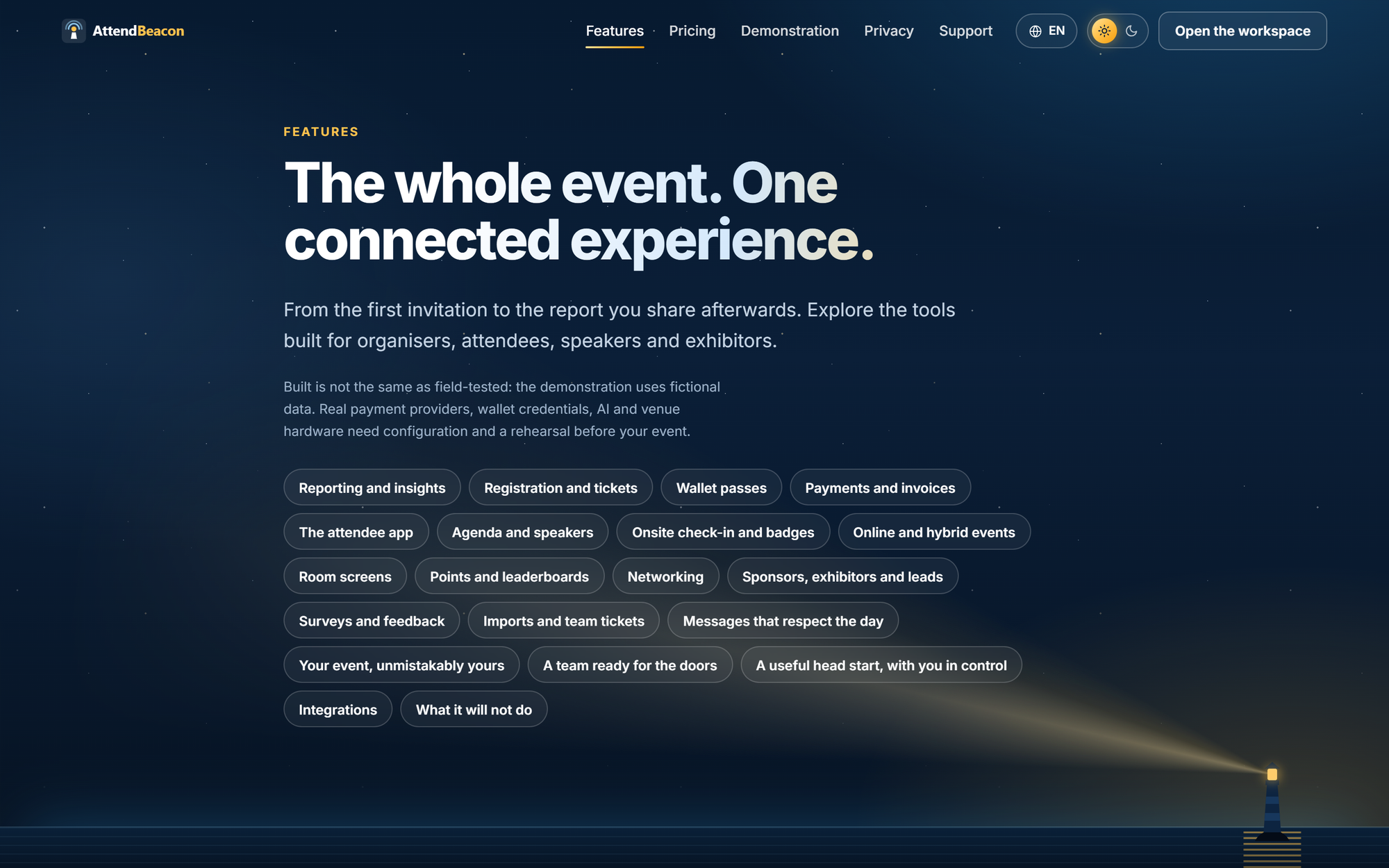
- Community events are free forever. If all your tickets are free, you never pay, no matter how many people come.
- Every other event is free up to 1,000 participants, with all modules included. That covers paid tickets, sponsors, screens and everything else.
- Bigger than that? A Large event licence is a one-off €1,000 (excluding VAT) per event. There's no fee per registrant and no subscription.
- Your ticket money is your money. Payments go straight into your own Mollie or Stripe account. AttendBeacon doesn't take a cut of your ticket sales.
- Crew tickets don't count towards your participant total, and you get a warning at 800 and 950 participants, so there are no surprises.
If AttendBeacon helps you and you want to support it, you can make a donation (from €5). That's entirely optional.
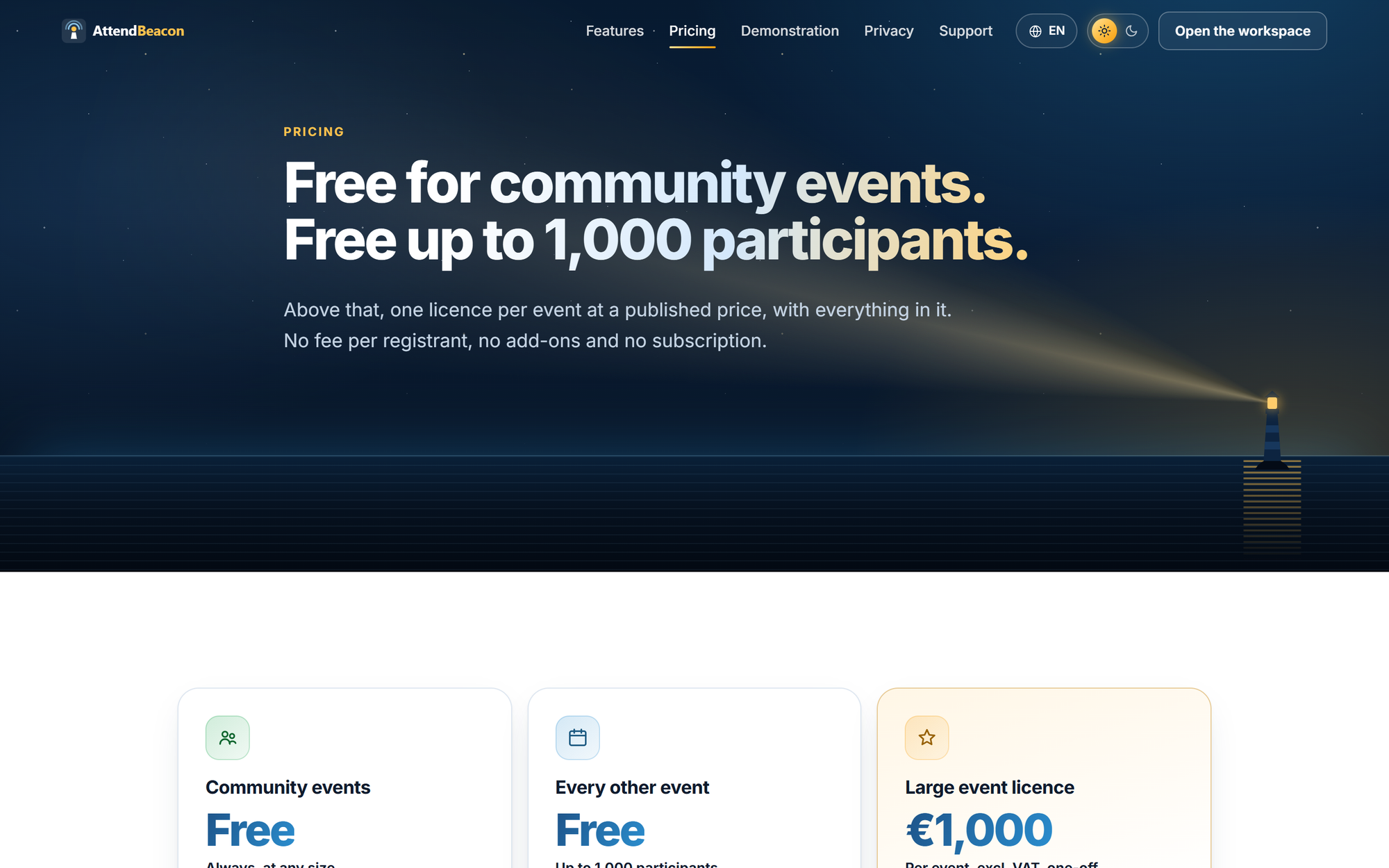
More features than most expensive platforms
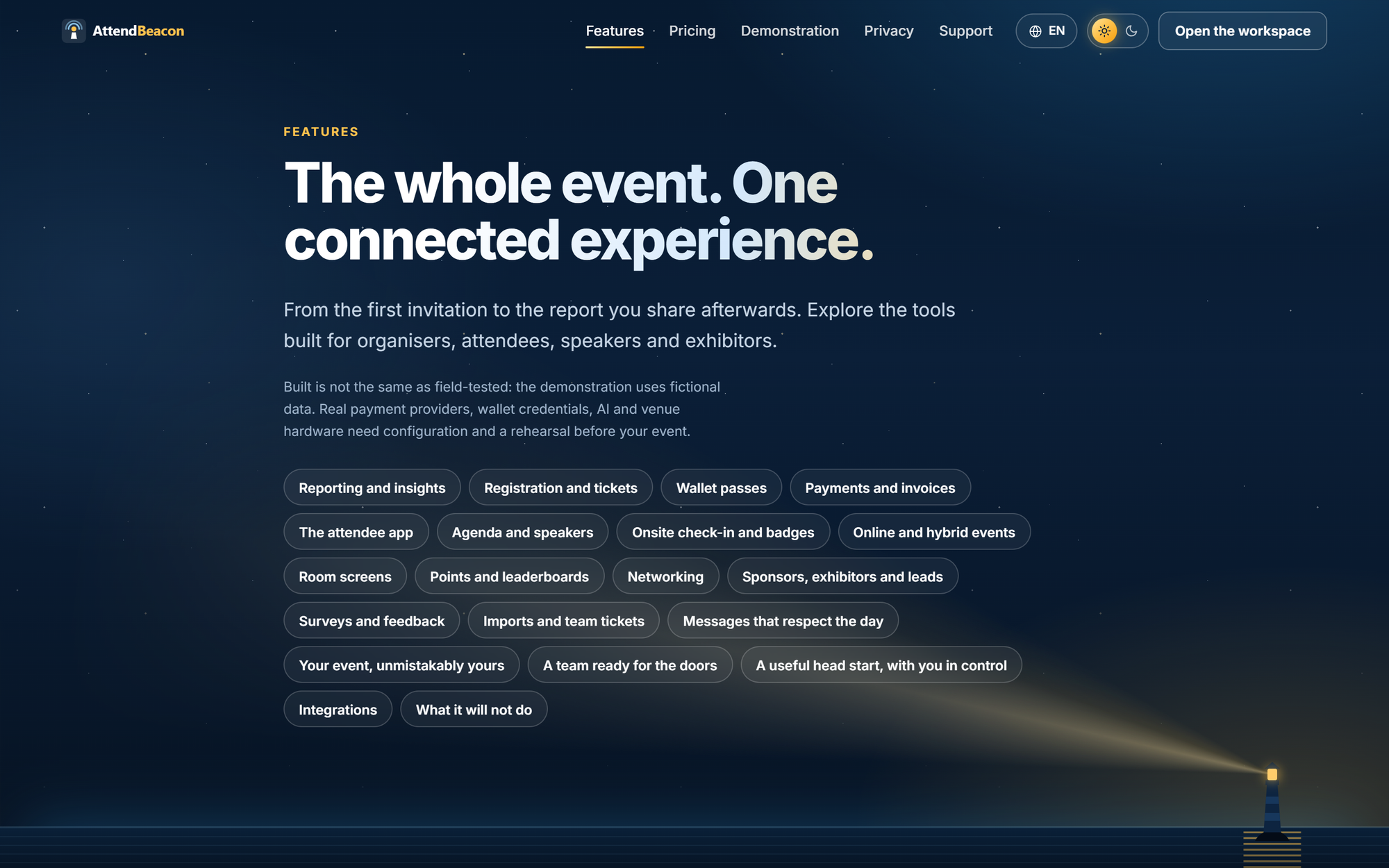
I'll be honest: this grew a lot bigger than I first planned. Every time we ran an event, we found something we were still doing by hand, and that became the next feature. Here's a tour.
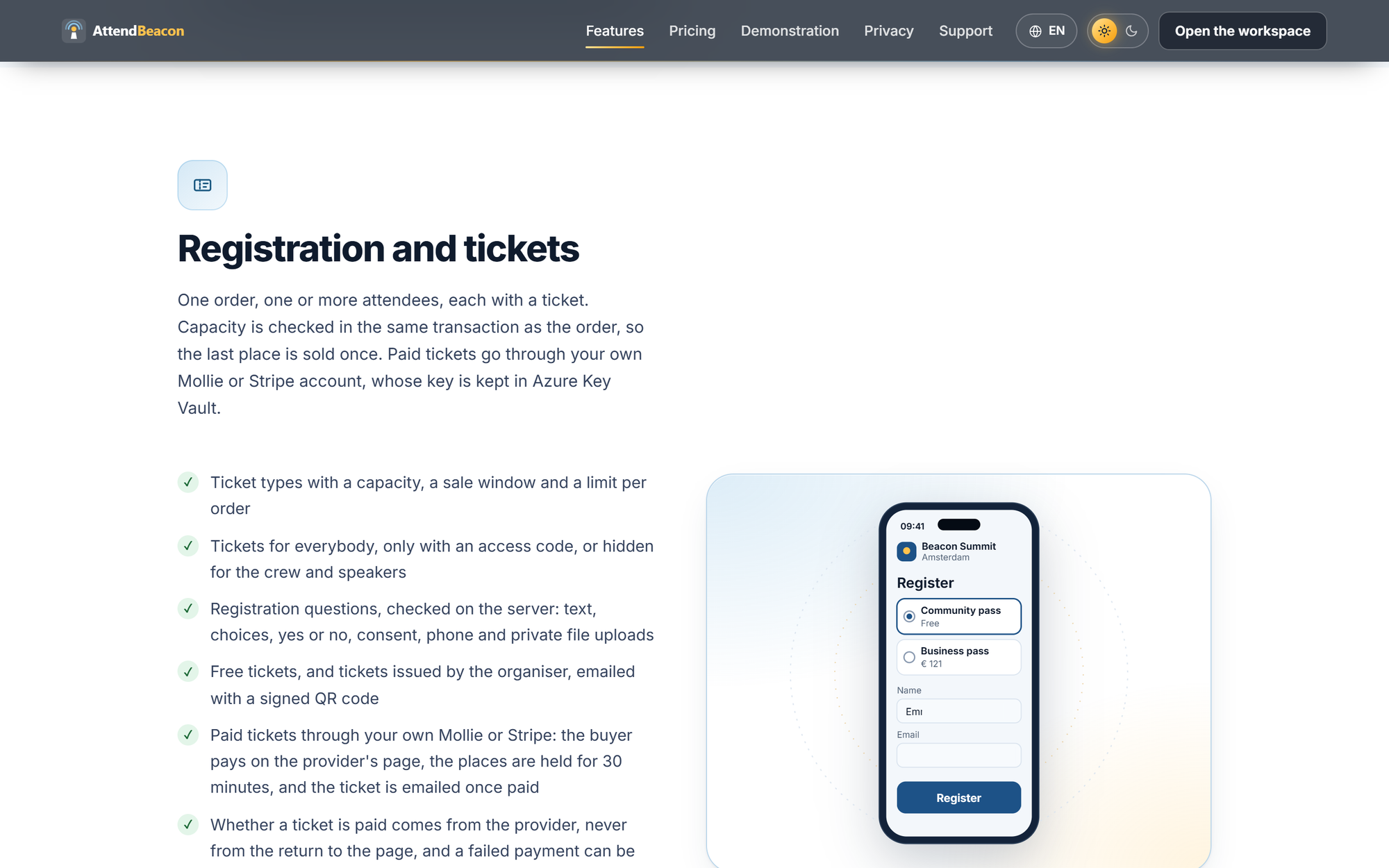
Registration and tickets
Everything you need to sell or hand out tickets.
- Multiple ticket types, capacity limits and access codes.
- Your own registration questions.
- Discount codes, a waiting list, and approval before a ticket is confirmed.
- Substitutions, so an attendee can pass their ticket to a colleague.
- Every ticket gets a signed QR code that can't be forged.
Apple Wallet and Google Wallet
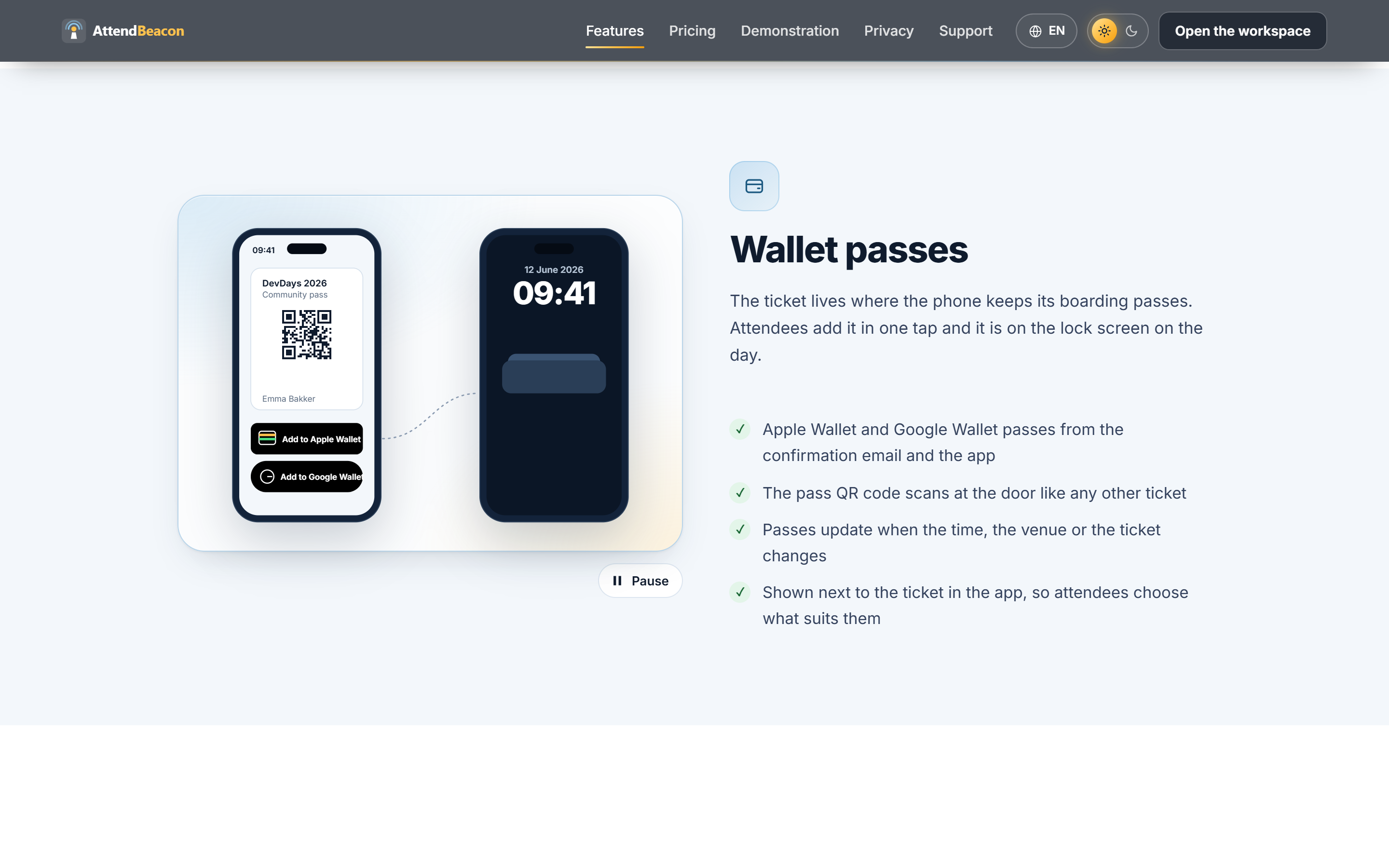
This is one of my favourites. Attendees add their ticket to Apple Wallet or Google Wallet with one tap, straight from the confirmation email or the app. On the day, the ticket is on their lock screen. If the time, the venue or the ticket changes, the pass updates itself. No more "can you resend my ticket?" emails.
Payments and invoices, built for Europe
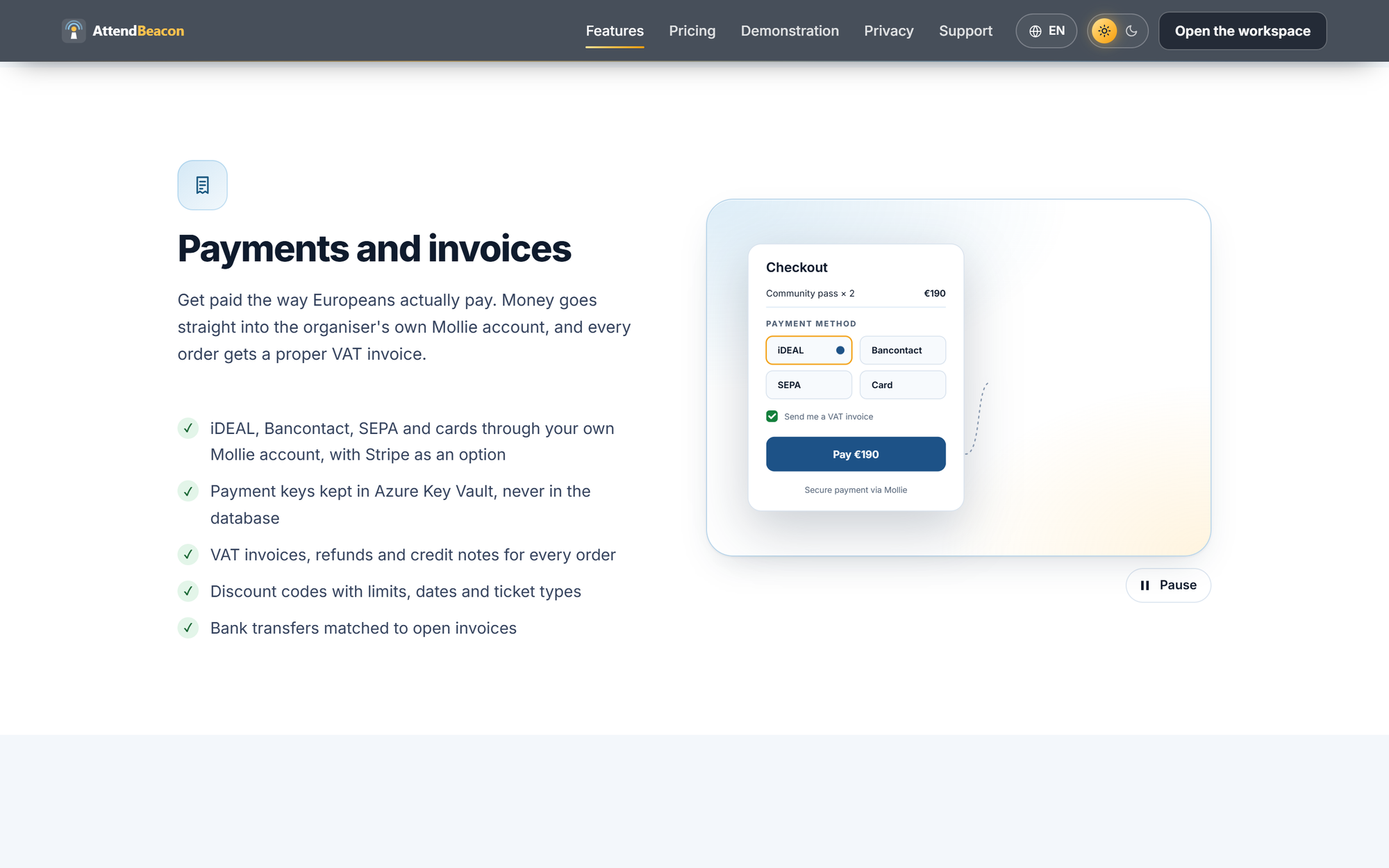
- Full support for iDEAL, Bancontact, SEPA and cards through Mollie or Stripe. The money lands in your own account.
- Proper VAT invoices, refunds and credit notes.
- Bank-transfer matching for the companies that still insist on paying by invoice.
The attendee app
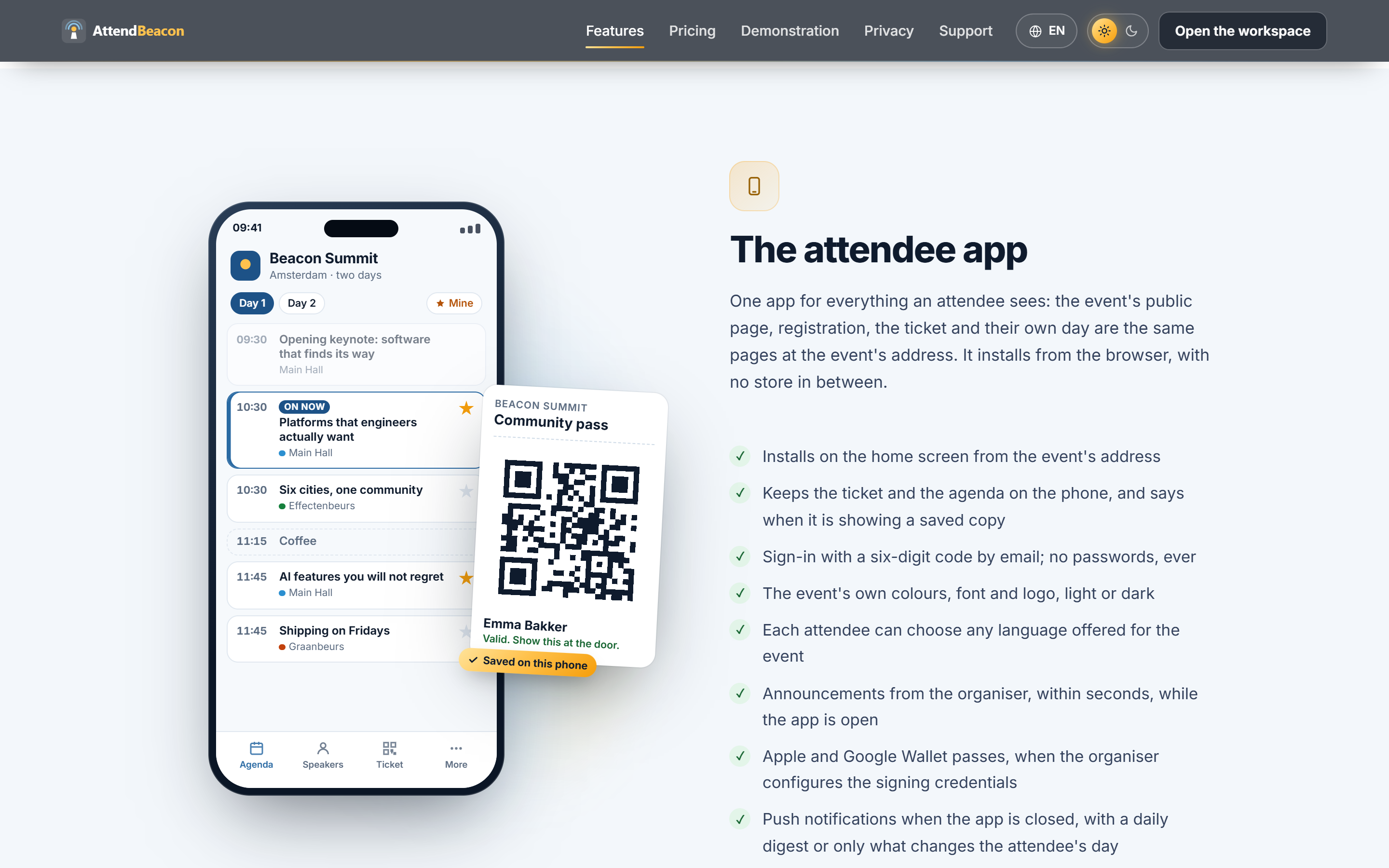
Every event gets its own app, with nothing to install from a store. It works offline, so a bad venue Wi-Fi connection doesn't matter. Attendees can see:
- their ticket;
- the agenda and their personal schedule;
- speakers, sponsors and announcements.
Agenda, call for speakers and the speaker portal
- Build your agenda on a drag-and-drop grid of rooms and time slots.
- Run a full call for speakers with anonymous review, so talks are judged on content and not on names.
- Accepted speakers get their own speaker portal, where they manage their profile, their sessions and their materials.
Onsite: scanners, badges and kiosks
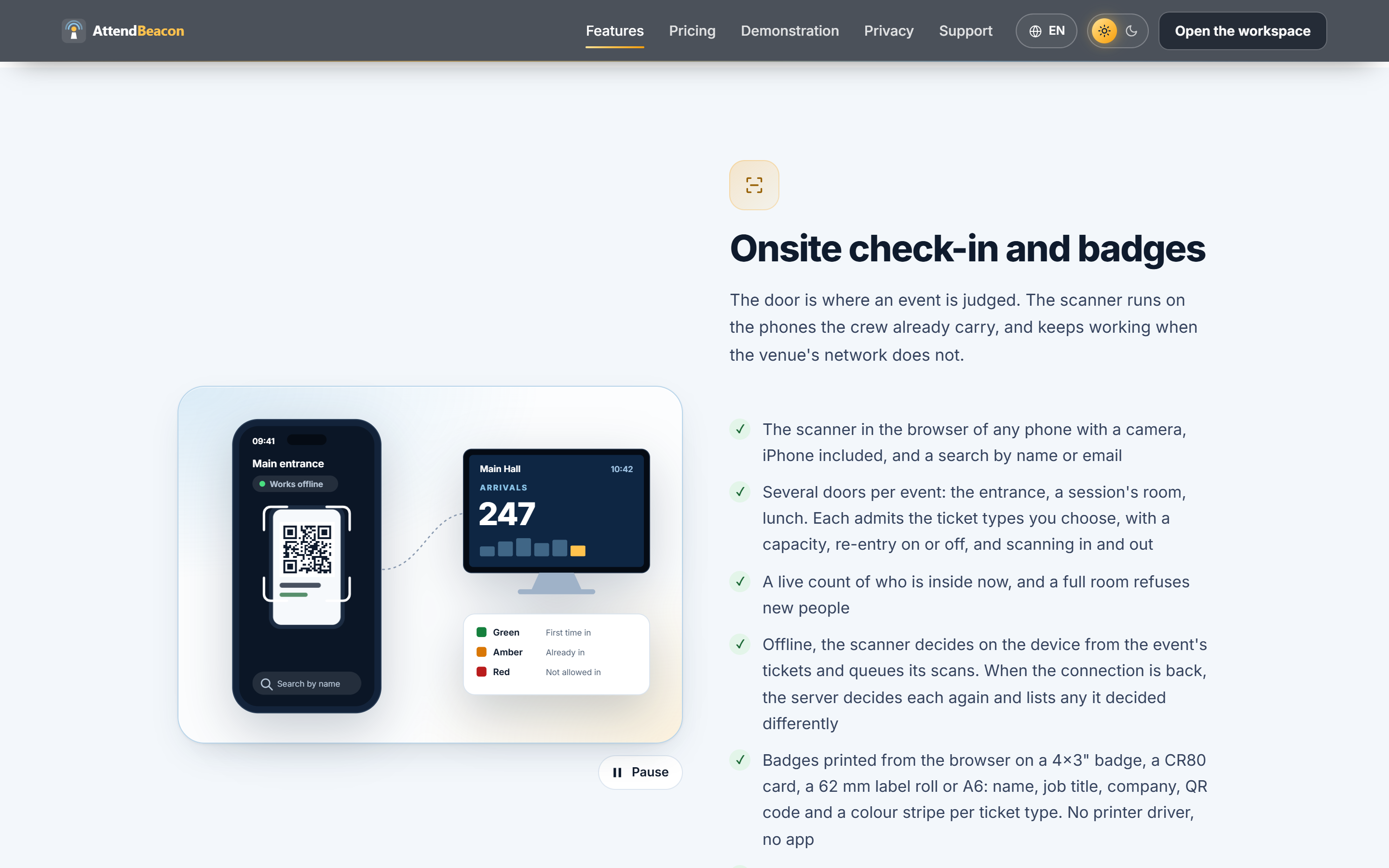
The door is where most events fall apart. AttendBeacon turns any phone into a ticket scanner.
- Use multiple doors and see a live count of who is inside.
- Keep scanning even when the connection drops.
- Print badges on the spot.
- Let people check themselves in at a self check-in kiosk.
- Register walk-ins at the desk.
Room screens and digital signage
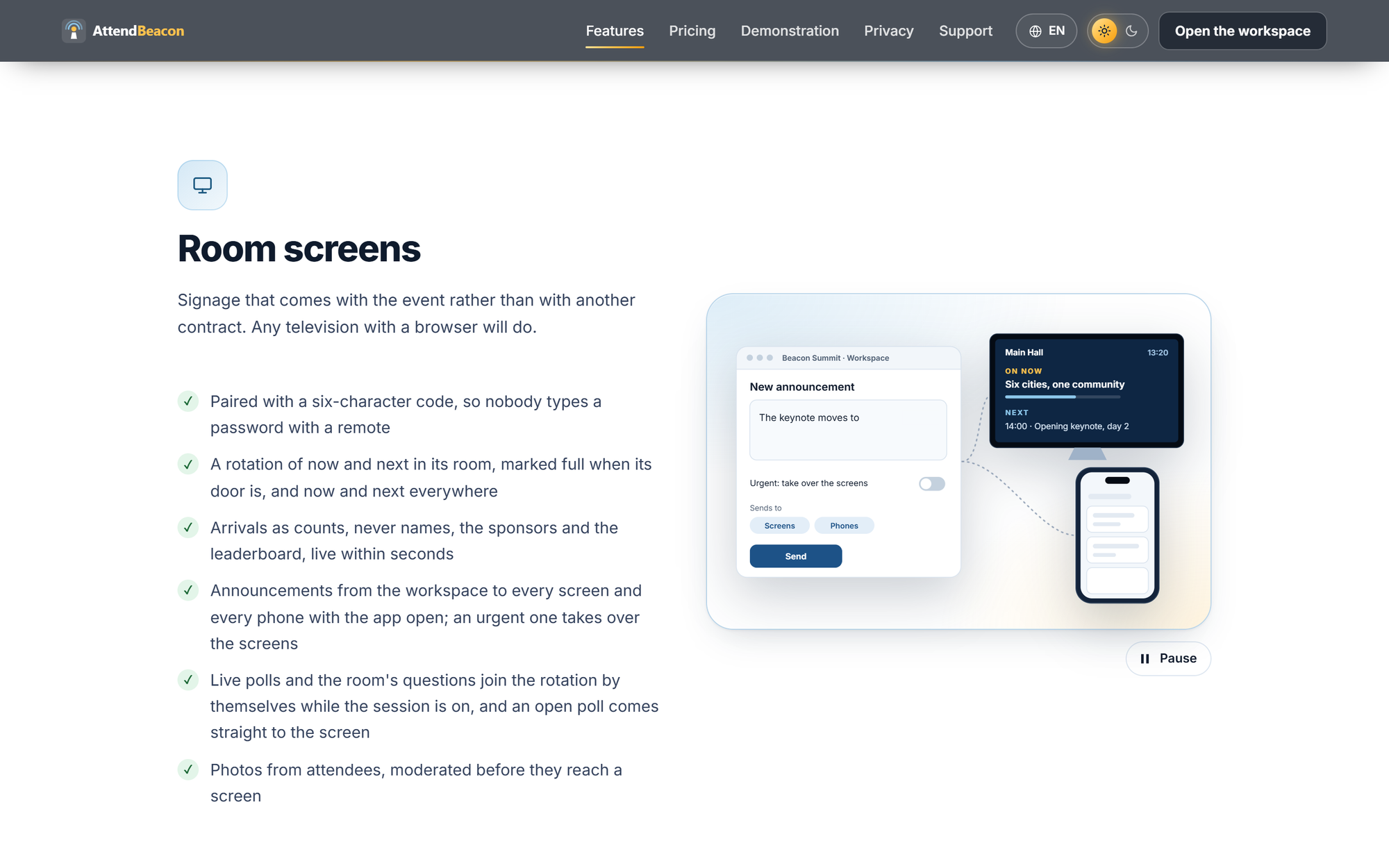
Signage that comes with the event rather than with another contract. Any TV with a browser will do.
- Pair a screen with a six-character code, so nobody types a password with a remote.
- Each room shows now and next, and is marked full when its door is.
- Show the sponsors and the leaderboard, updated live.
- Send an announcement to every screen and phone. An urgent announcement takes over all screens.
- Live polls and audience questions appear on screen during the session.
- Show photos from attendees, after moderation.
Points, challenges and a swag shop
Want people to visit the sponsor booths, attend the sessions and fill in the surveys? Give them points.
- Hide QR challenges around the venue.
- Show a live leaderboard.
- Run a prize draw.
- Open a swag shop where attendees spend the points they earned.
Networking
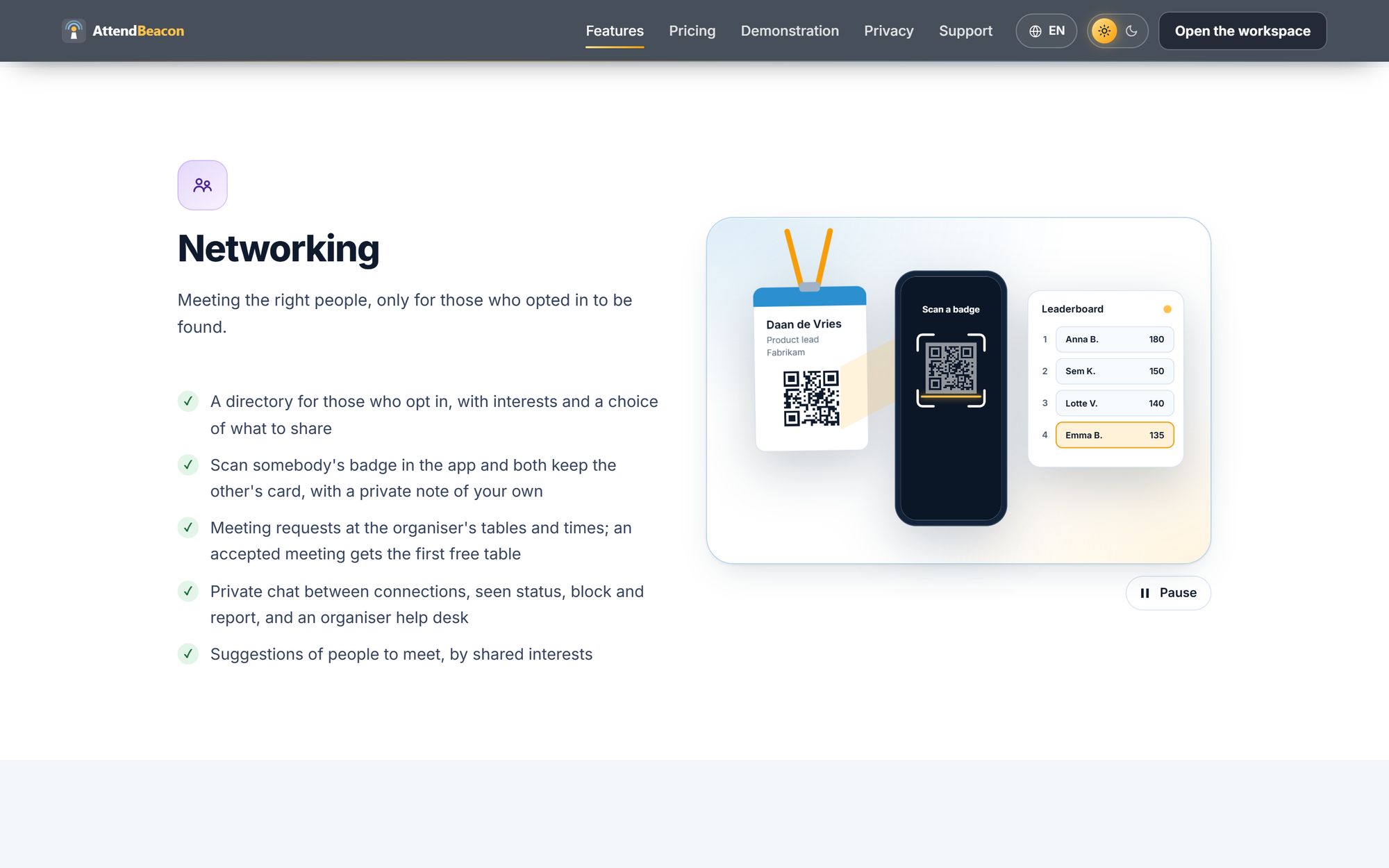
An attendee directory (opt-in, of course), digital business card exchange, meeting scheduling, chat and a help desk where attendees can ask the crew for help.
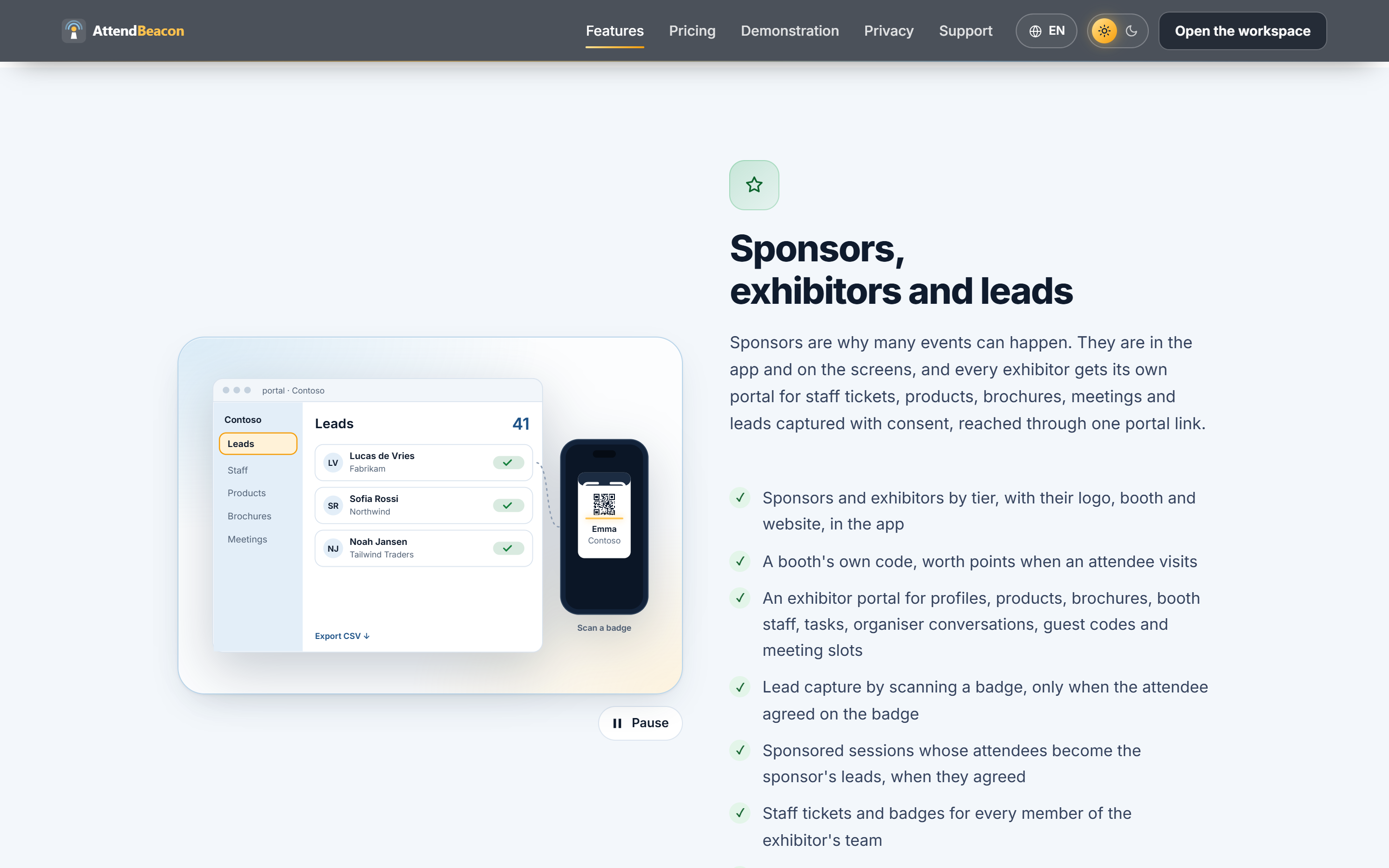
Sponsors and exhibitors
- Sponsor tiers.
- An exhibitor portal where sponsors manage their own page.
- Lead capture: sponsors scan attendee badges, with the attendee's consent.
Your sponsors get real value, and you get happy sponsors who come back next year.
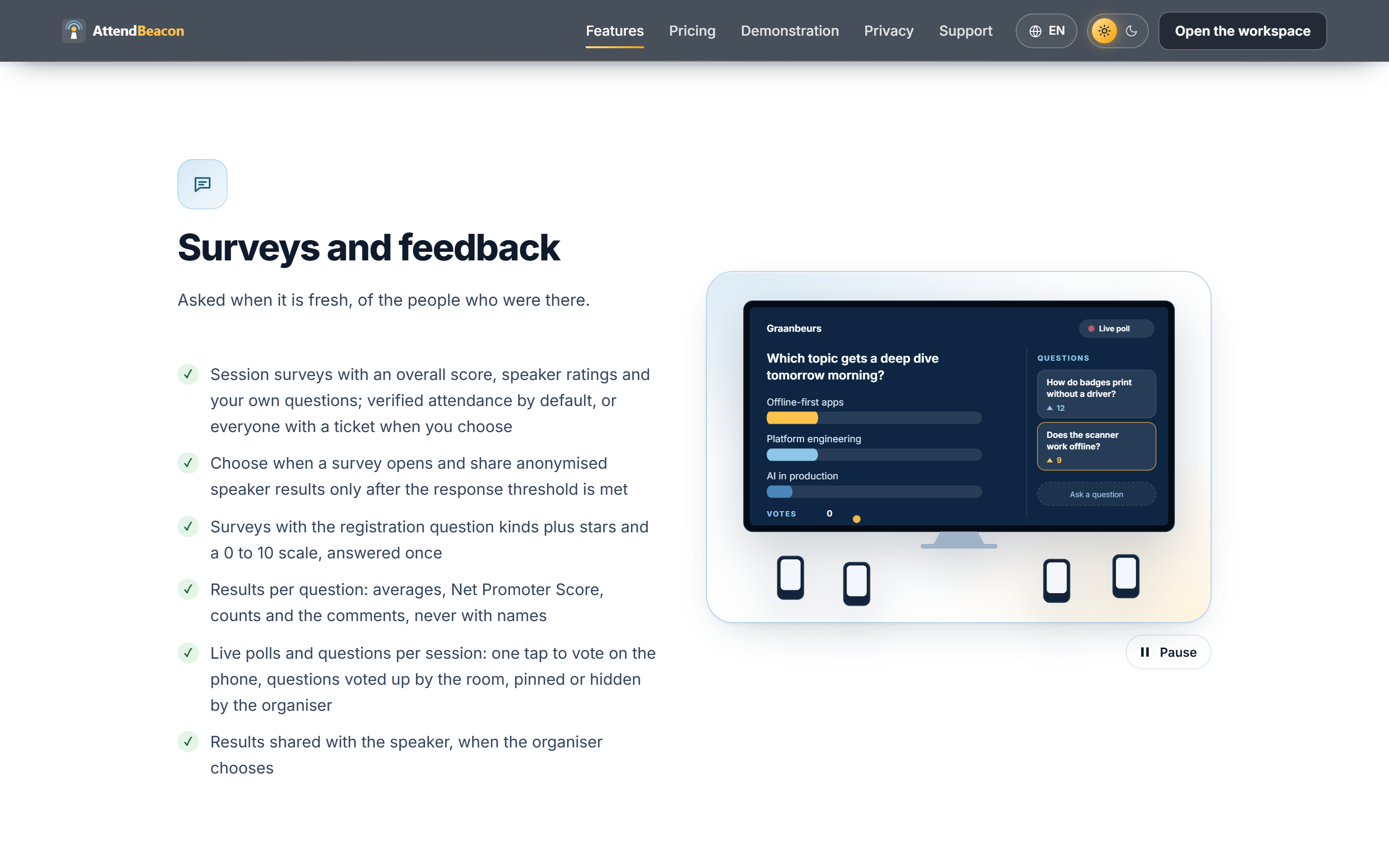
Surveys, polls and Q&A
- Session surveys and NPS.
- Live polls during sessions.
- Audience Q&A with voting.
Find out what people actually thought, while they're still in the room.
Crew rosters
Volunteers are the heart of every community event. Define crew roles and shifts, assign people and give everyone their own schedule. Crew tickets are free and don't count towards your participant total.
Reporting
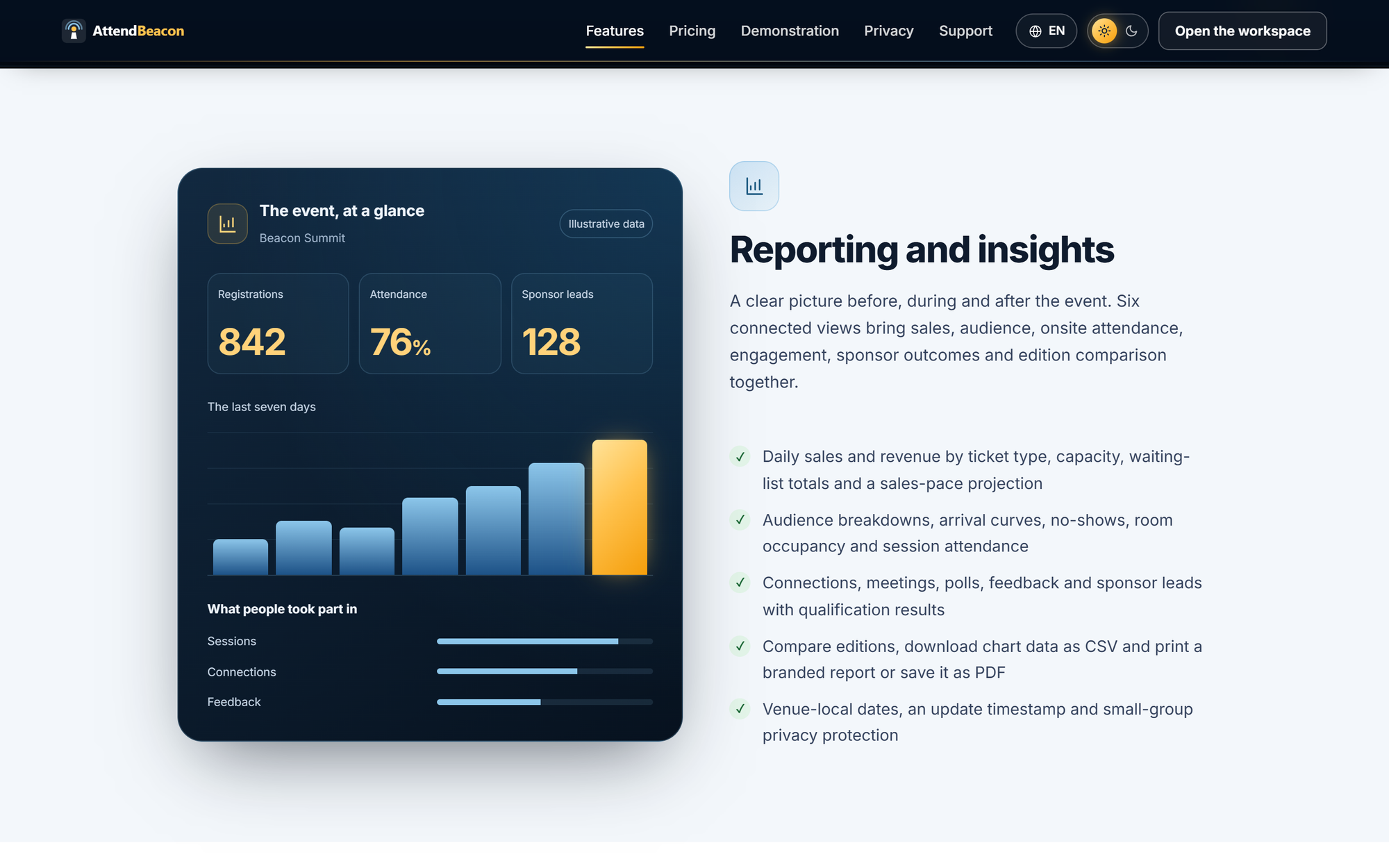
Sales, arrivals, no-shows, room occupancy, engagement, sponsor leads and comparisons between editions. Export everything to CSV or PDF for your board, your sponsors or your own retrospective.
Online and hybrid events
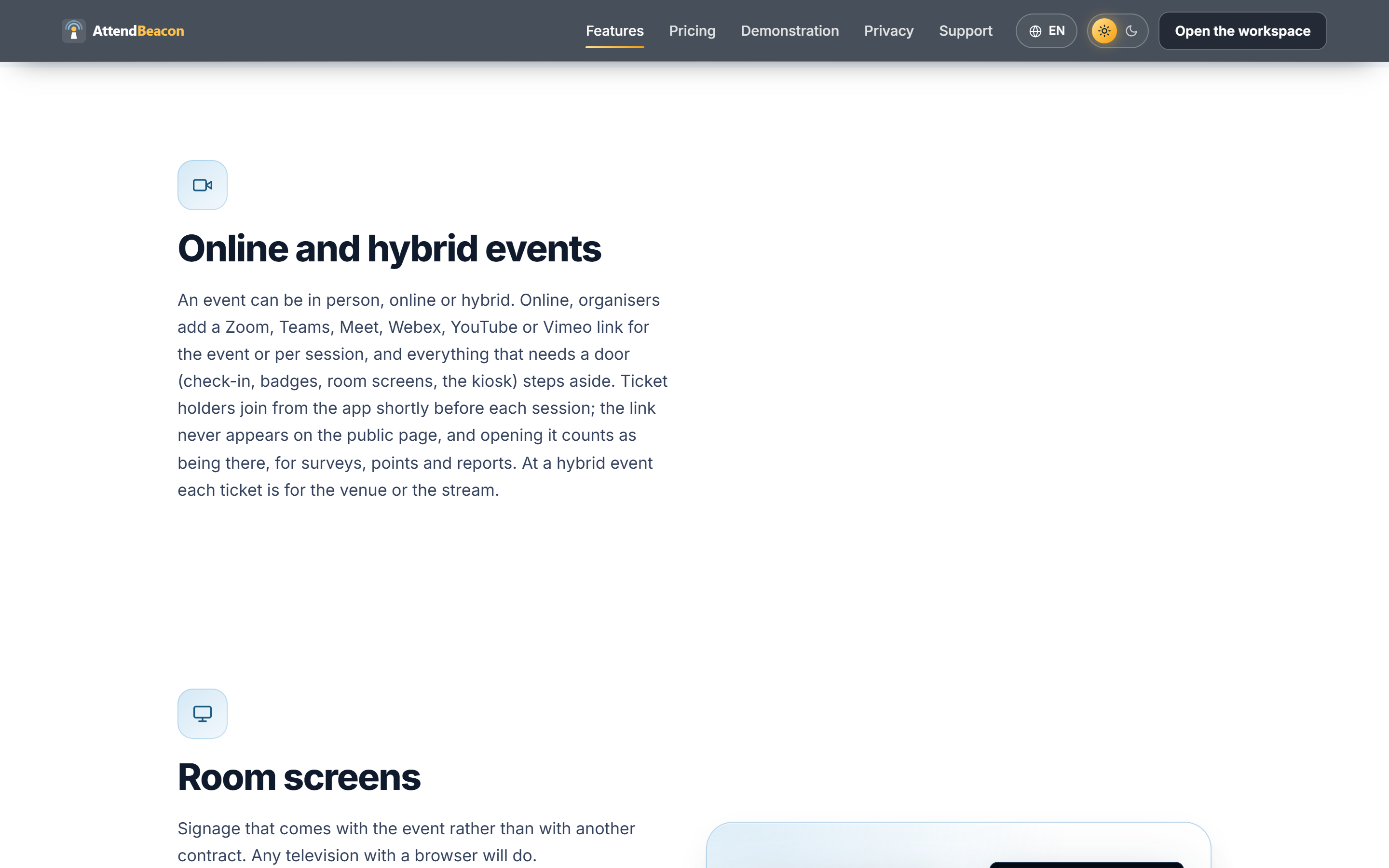
Run the event in person, online, or both. Connect sessions to Zoom, Teams, Google Meet, Webex, YouTube or Vimeo, and online attendees get the same agenda, polls and Q&A as everyone in the room.
Integrations
- A full REST API with an OpenAPI description.
- Webhooks.
- Connections to Dynamics 365, Salesforce, HubSpot, Power Automate and Zapier. As a Power Platform person, I obviously had to do this one properly.
- Notifications in Microsoft Teams and Slack.
- Moving from another platform? Import your events from Eventbrite, Eventix, Ticketmaster and Tito.
And there's more
- Messages: send email and web push notifications to attendees, segmented by ticket type.
- Design: presets, themes and a section builder, so your event page looks like your brand.
- Optional AI helpers to draft texts and summaries, processed in the EU.
- Ten languages: English, Dutch, German, French, Spanish, Portuguese, Swedish, Danish, Norwegian and Finnish, for both attendees and organisers.
- Sign in with Microsoft, Google or GitHub.
Privacy and sovereignty by design
AttendBeacon is hosted in the EU and built with privacy as a starting point, not an afterthought.
- No trackers.
- No advertising cookies.
- No Google Fonts calling home.
- Attendee data belongs to the organiser, and attendees stay in control of what they share.
One platform for every role
Organisers, crew, speakers, sponsors and attendees each get their own view. Everyone sees what they need, and nothing they shouldn't.
Try it
If you organise a user group, a meetup, a community day or a conference, I'd love for you to try it.
Create your event, invite your crew and open registration. It costs nothing. And if you have ideas, feedback or a feature you're missing, let me know. This platform is built for and with the community.
See you at the next event! 🎉
Comments